Fansbuy Buying Guide
Find an item on Findsheet, then follow it through the Fansbuy warehouse and international delivery. Select any screenshot to open it full size.
1. Find your item
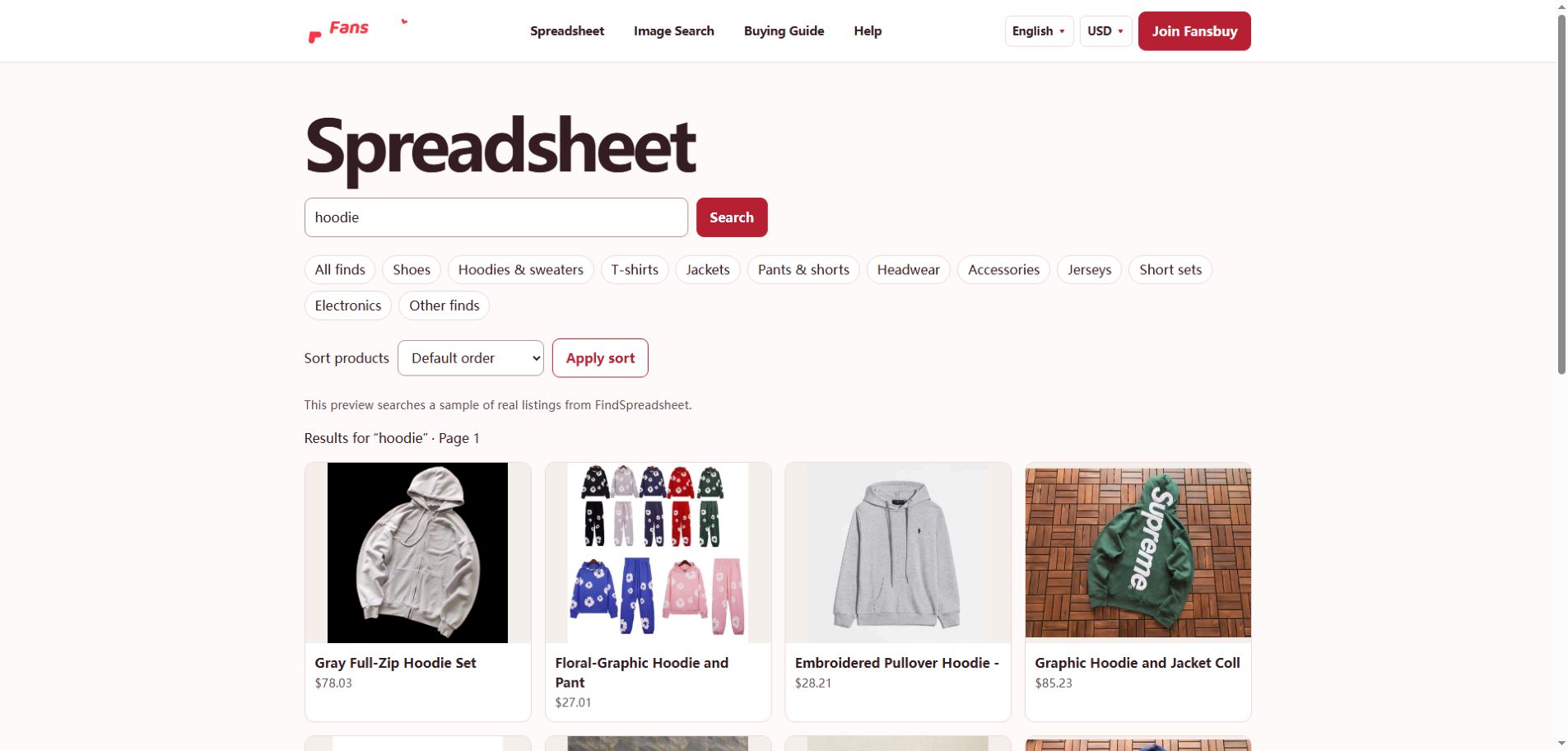
In the catalog, search by name, category or Weidian ID. Use Image Search if you only have a photo.
2. Open the listing on Fansbuy
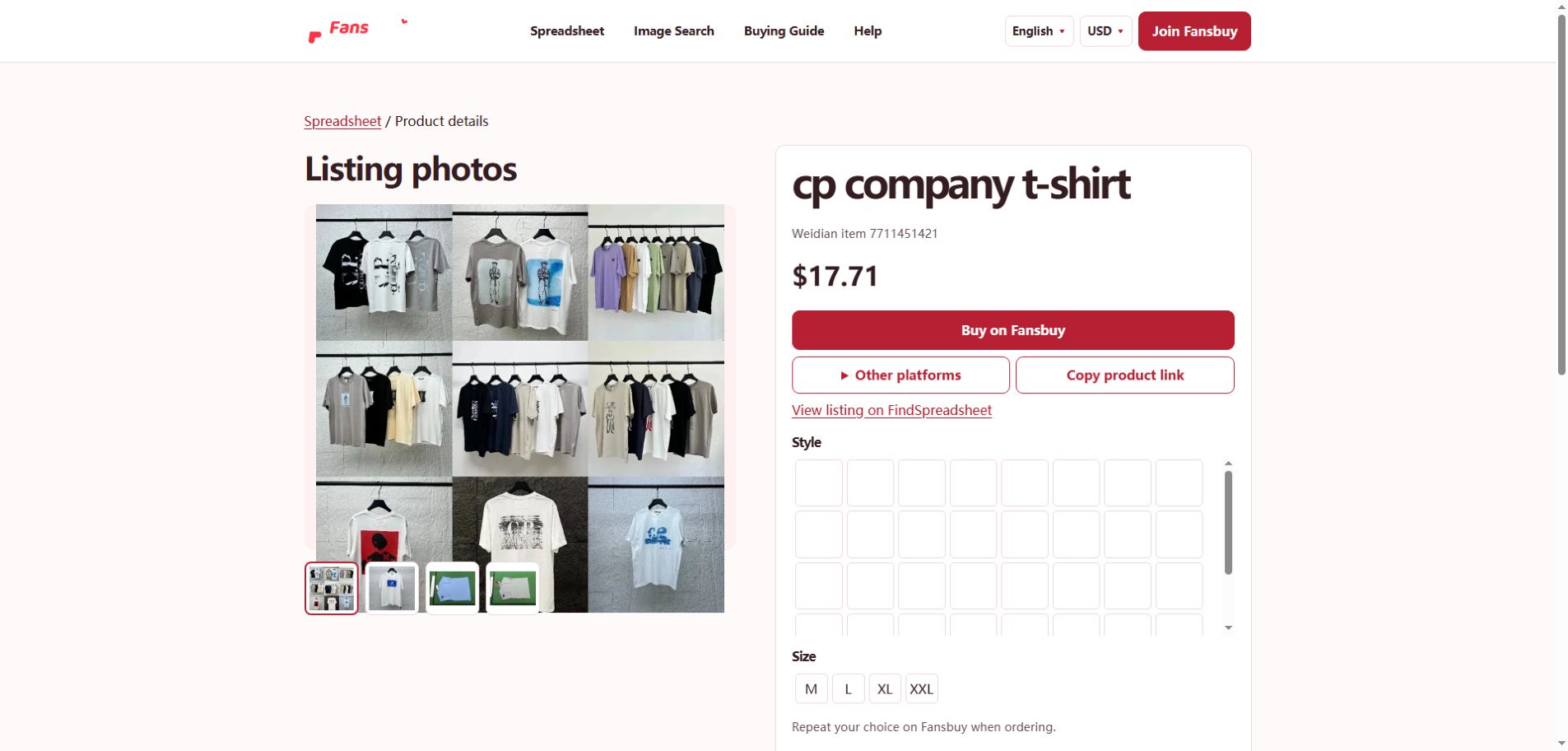
Select Buy on Fansbuy and sign up if needed. Confirm your color, size and quantity, then review the item price and domestic delivery at checkout.
3. Use DIY Order if the link fails
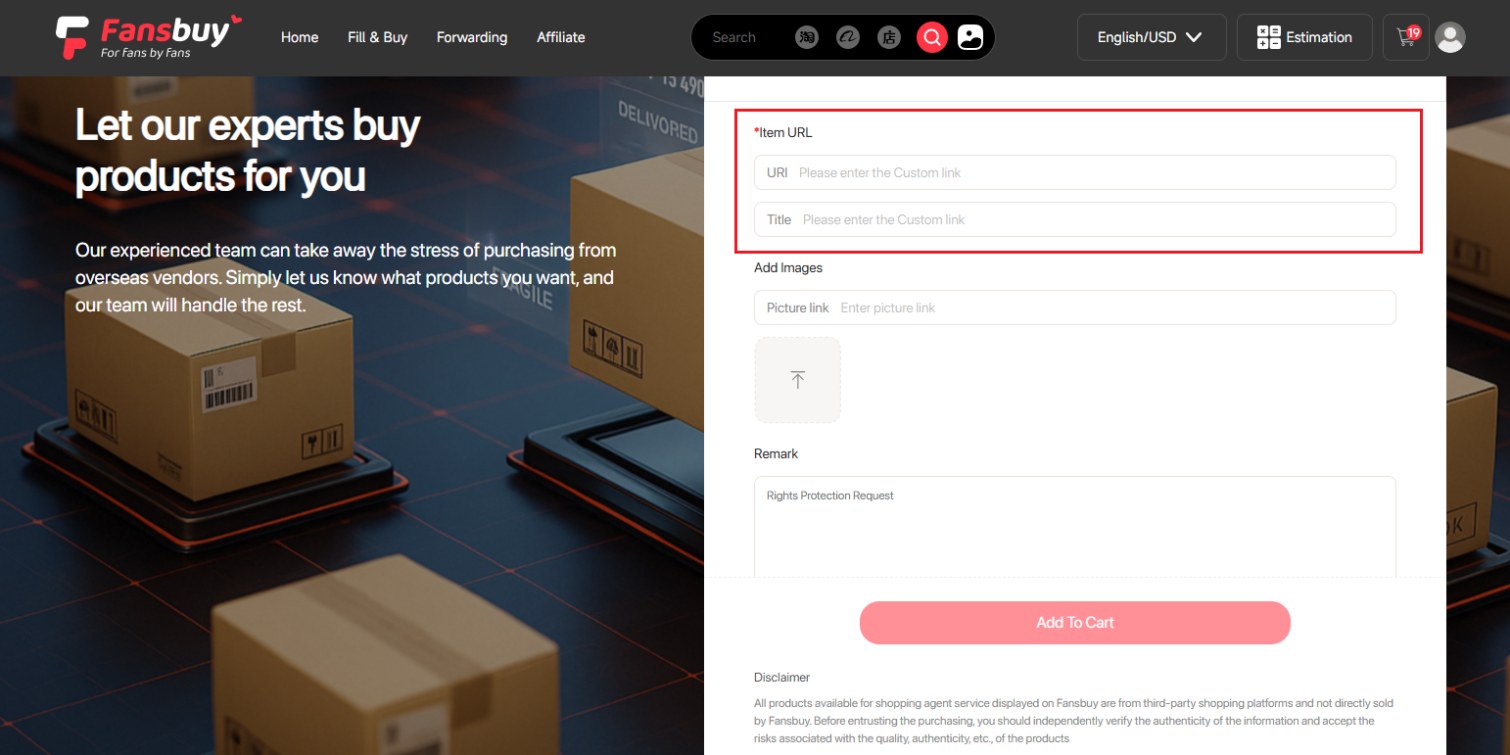
On Findsheet, use Copy product link. In Fansbuy’s DIY Order, paste the seller URL and fill in the item details and requested options before adding it to the cart.
4. Look up reference QC photos
On the Findsheet product page, scroll to Warehouse QC photos or use the QC lookup with a Weidian ID.
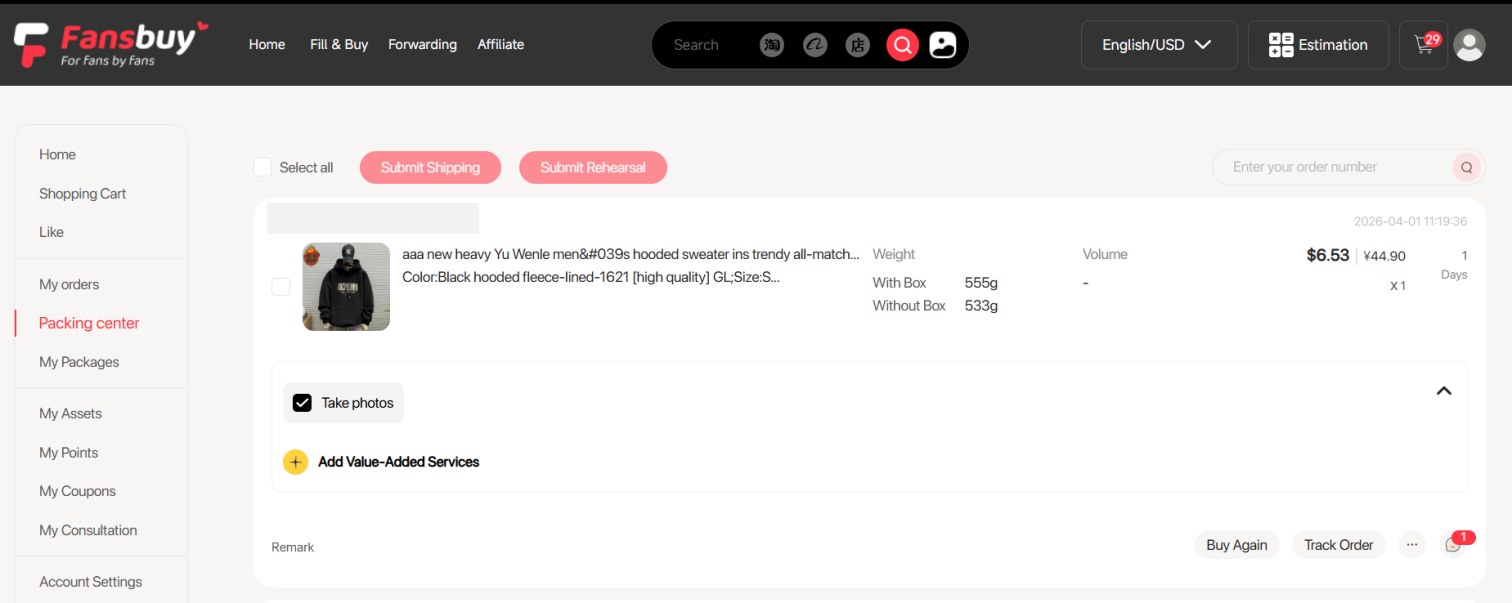
5. Inspect your own warehouse order
When the seller’s parcel arrives, open Packing Centre on Fansbuy. Find your item and check its inspection photos against your order before you submit it for shipping.
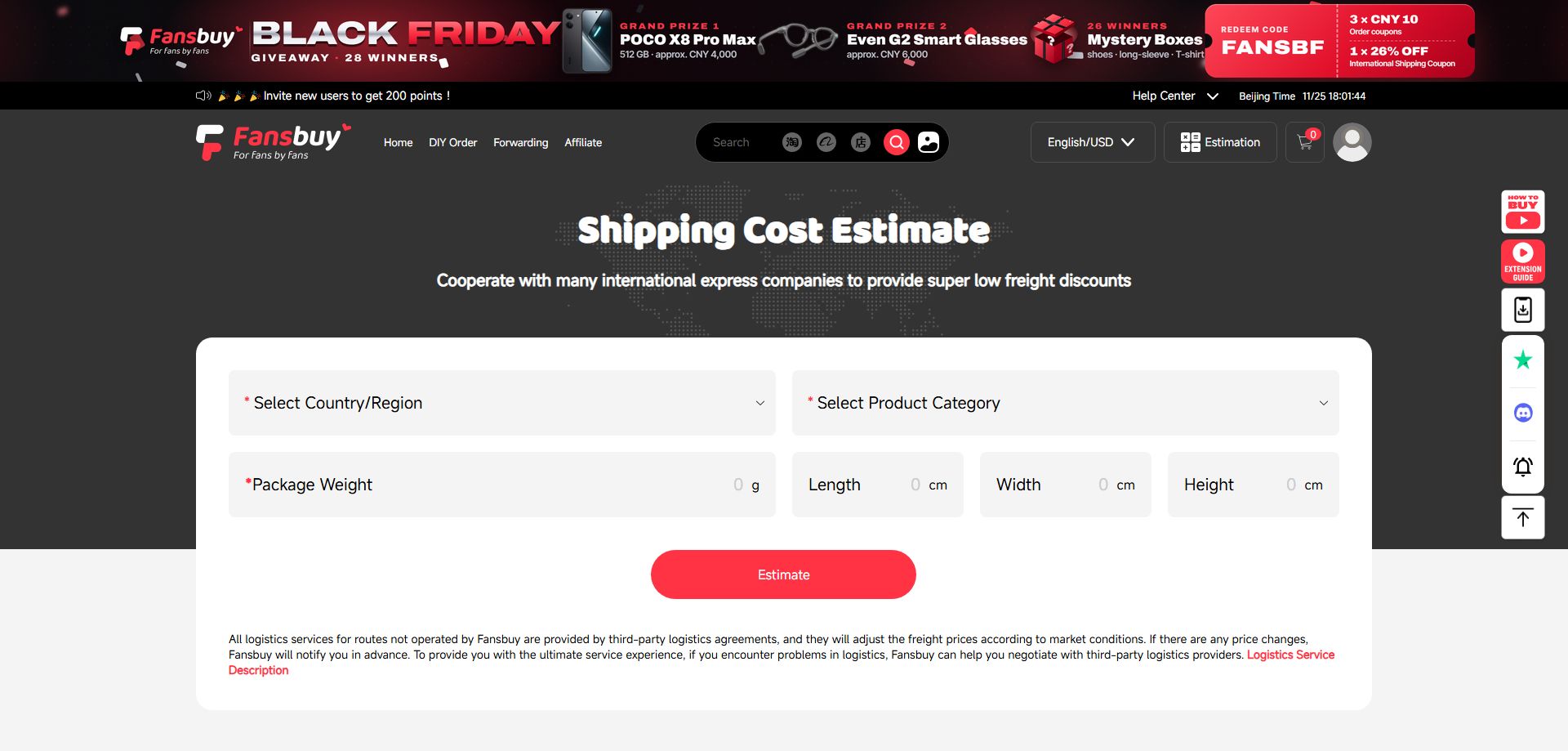
6. Estimate international shipping
Open Fansbuy’s Shipping Cost Estimate. Enter your destination, item category, package weight and any available dimensions to compare routes.
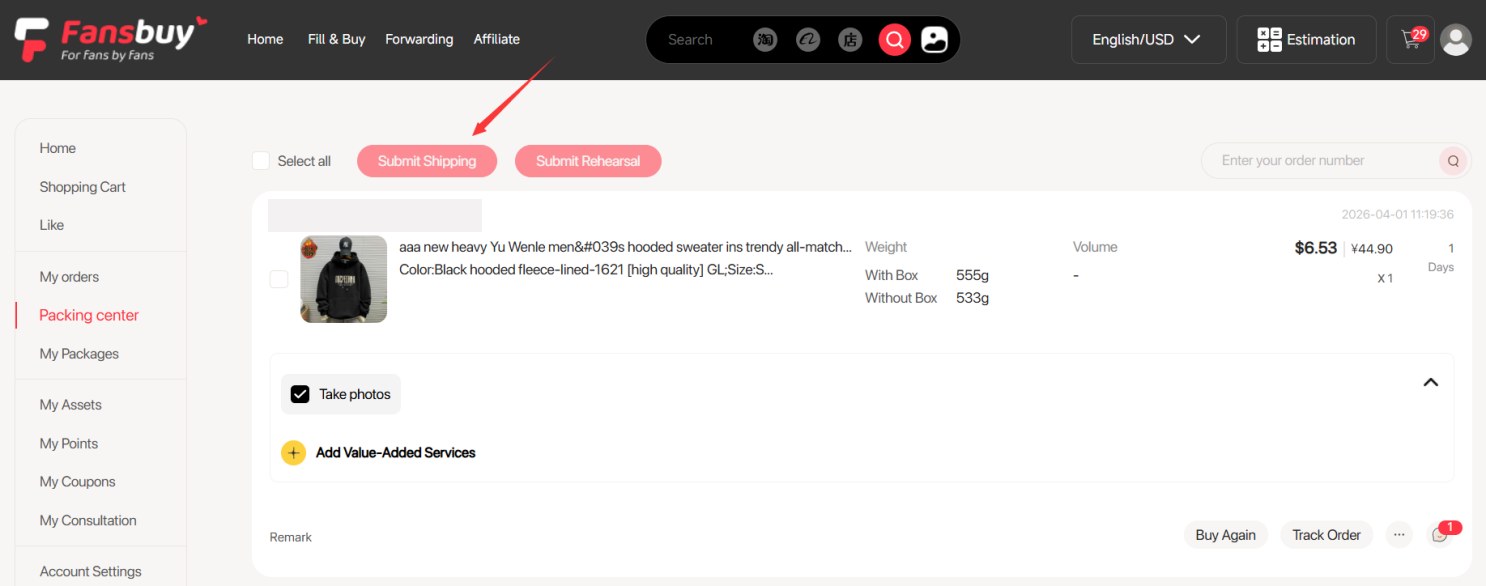
7. Submit your parcel
Select the items in Packing Centre and use Submit Shipping. Review the address, shipping method, packaging and final charges in your Fansbuy account.
8. Track the shipment
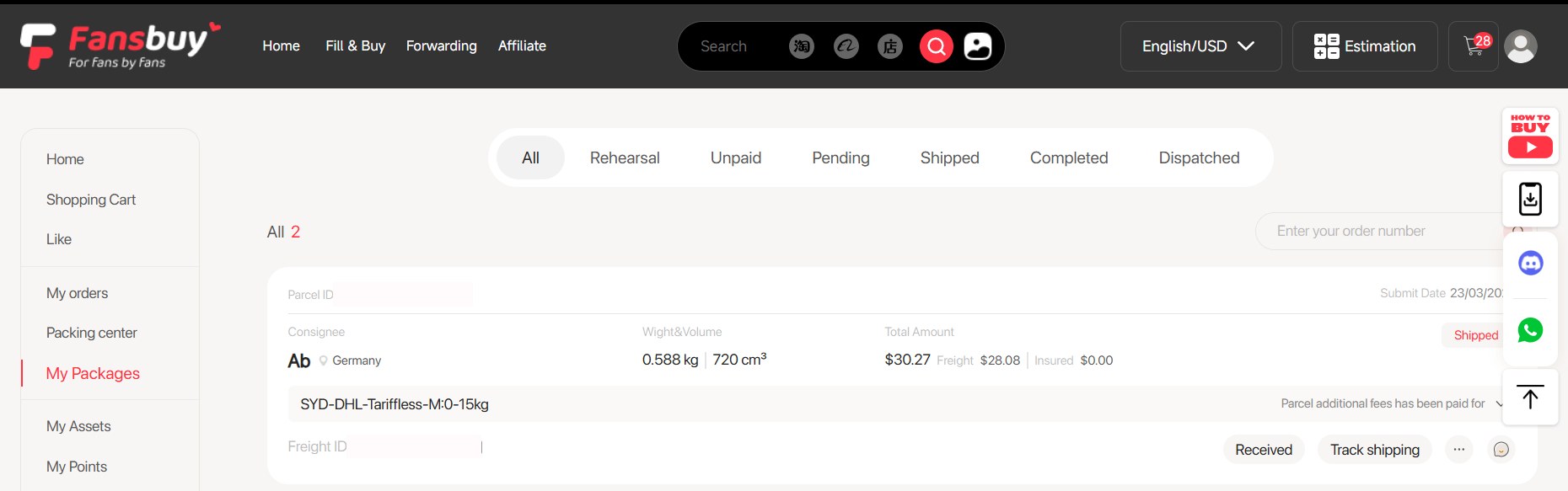
After dispatch, open My Packages, find your parcel and select Track shipping to see its latest status.